Dual Subtitles for YouTube
Read Frog turns YouTube captions into bilingual subtitles, including Shorts and embedded players, and AI can transcribe videos that have no captions at all. Select any word in the subtitles to look it up and save it for review.
Última actualización: 5 de octubre de 2026
Bilingual subtitles on any captioned video
With Read Frog installed, open a YouTube video that has captions and click the Read Frog button in the player's control bar. The captions become bilingual: the translation and the original line stacked together, in sync with the video.
- Works on regular videos, Shorts, and YouTube players embedded on other sites.
- Turn on Translate on open and every video starts translating as soon as it loads, without clicking the button.
AI subtitles for videos without captions
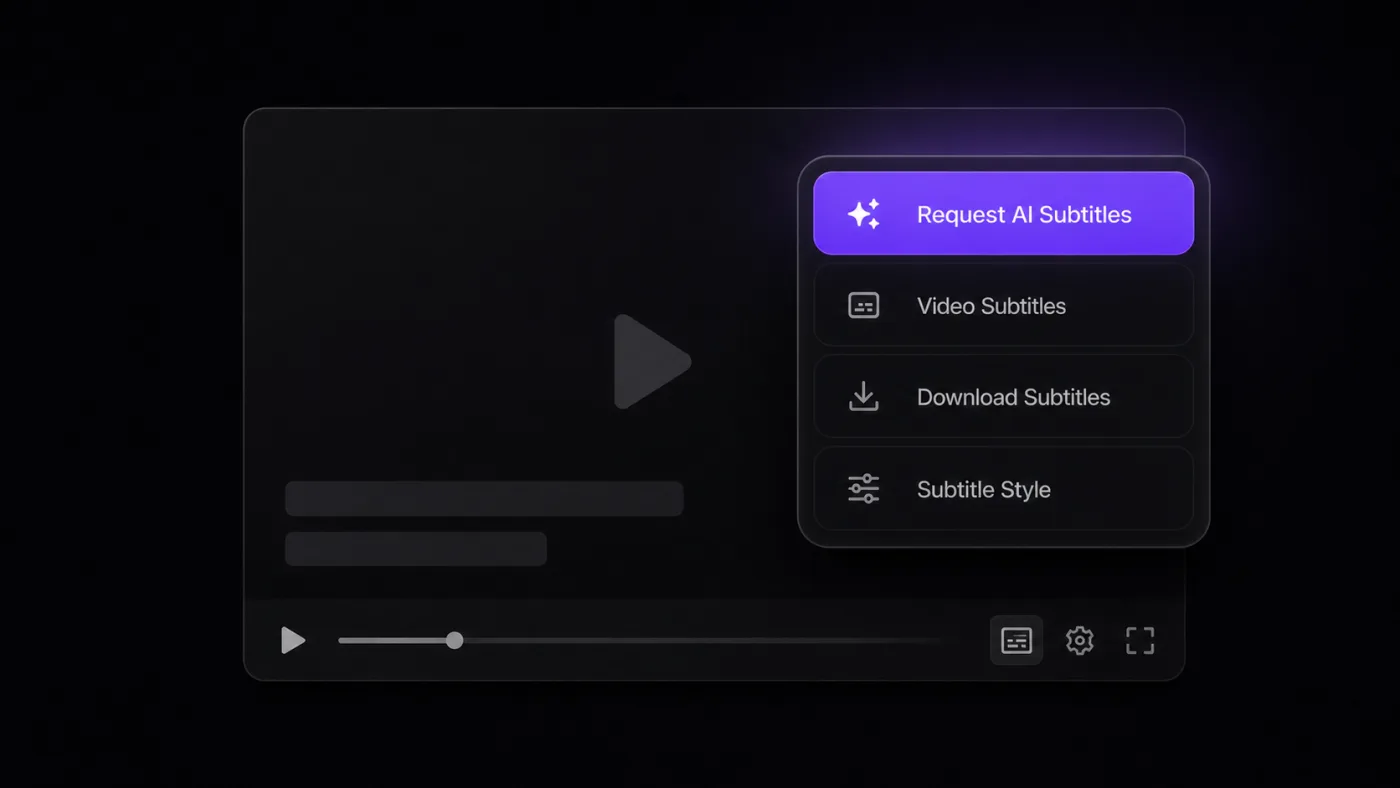
Plenty of talks, podcasts and tutorials have no captions, or only auto-captions full of misheard words. Read Frog can have AI transcribe the audio itself, then show the result as the same bilingual subtitles.
- Transcription runs in the cloud, so your machine does no heavy lifting, and the spoken language is detected automatically.
- It works on regular videos, Shorts, live replays and embedded players.
- Pro includes 300 minutes a month; Ultra includes 1,000.
Subtitles the way you like them
Smoother sentences, and the whole video at a glance
Learn while you watch
Words in the subtitles can be selected, looked up and saved. Select an unfamiliar word, have AI explain what it means and how it is used, and save it to Notebase in one click. Add a card template to the notebase and your notes become flashcards that FSRS schedules for review, so the time you spend watching builds a vocabulary list of your own.
Videos on X, too
On X (Twitter), captioned videos in a post, in the replies or in your timeline get the same bilingual subtitles in one click, with the same style settings as YouTube.
Your choice of translation service
Video subtitles have their own translation service, prompt and request rate, separate from page translation. Use the free Google or Microsoft translator, connect an LLM such as OpenAI, DeepSeek or Gemini, or run a local model with Ollama. See Set Up Providers and API Keys.
Getting started
Preguntas frecuentes
Si tienes más preguntas, contáctanos.
Translating videos that have captions is free for everyone. AI transcription for videos without captions needs Pro or Ultra.
Check that Enable video subtitles is on in the Video Subtitles settings, then reload the video page.
For awkward splits, try AI smart segmentation. If the timing gets worse with it on, turn it off, or click Clear AI segmentation cache in the settings and try again.