
Introduction
Read Frog translates what you are reading, then turns the parts worth keeping into study material.
Read Frog is an open-source browser extension for reading in a language you are still learning. It translates a page beside its original text, so you can read the source and check yourself against the translation only when you need to. When a word or a long sentence stops you, select it to look it up, and save the words worth keeping so they come back for review just before you forget them.
Translate what you are reading
The extension translates whole pages, single paragraphs, selected text, text you are typing, and video subtitles on YouTube, Netflix, and X. It can read aloud and keep your terminology consistent with a Glossary.
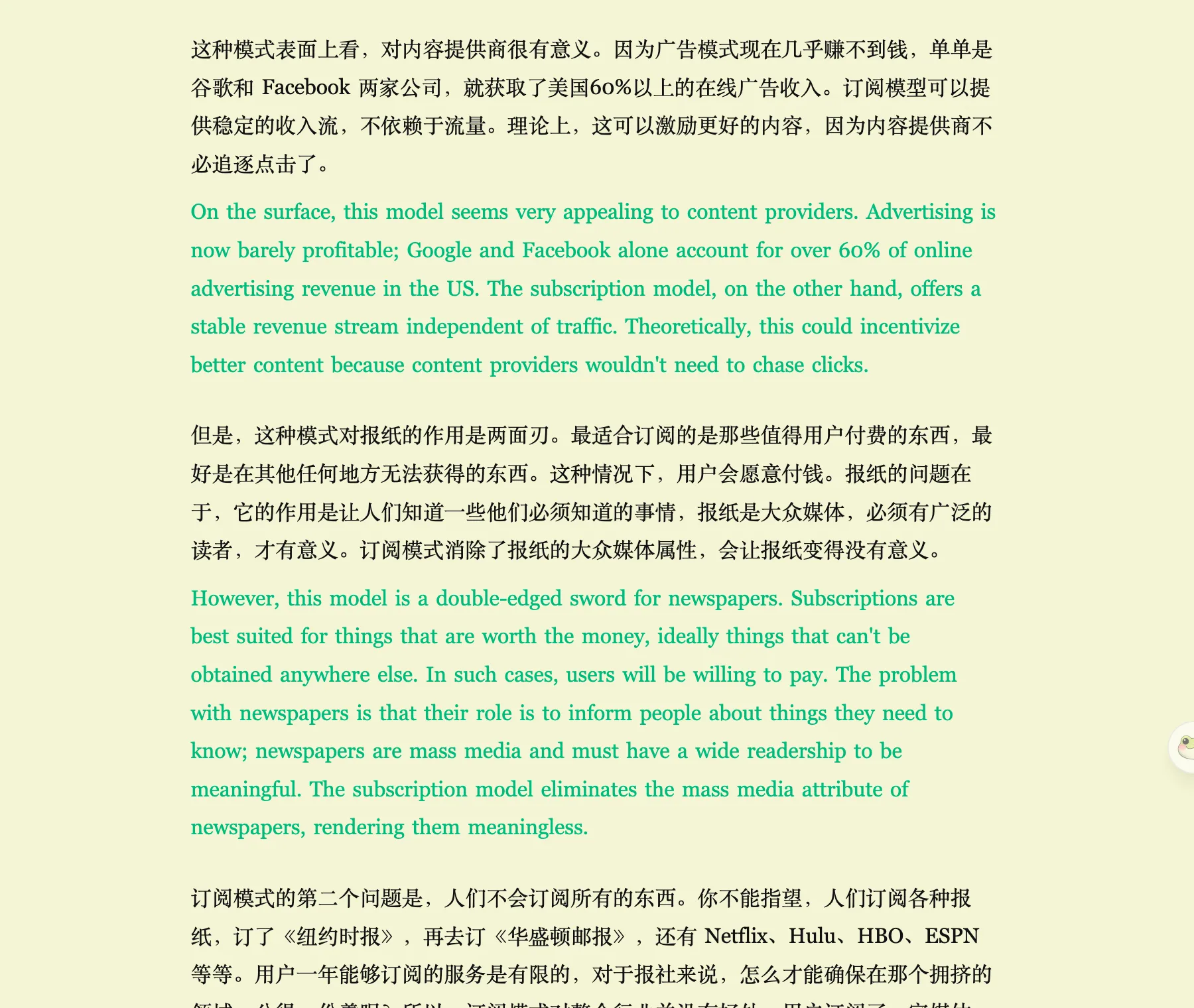
Translation needs no account. Plenty of people install the extension, set one provider, and never sign in — translation works fully without one.
Learn from what you looked up
Translation gets you through this page. The learning side means you will not have to look the same word up again.
Select to look it up. Select a word on a page or in video subtitles and click Dictionary in the selection toolbar: it reads the word in its sentence and gives you the pronunciation, part of speech, level, and meaning. Select a long sentence and click Sentence Analysis to see its core and every clause marked up, with a translation underneath. Both are built-in Custom AI Actions, and you can build your own the same way.
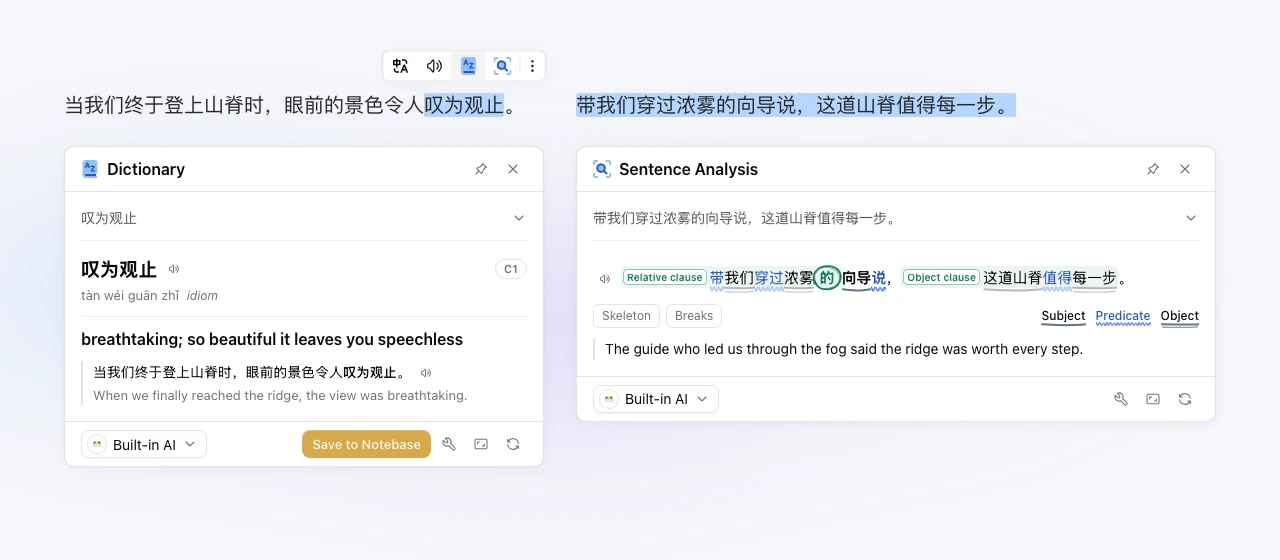
Save it with one click. The Dictionary card has Save to Notebase in its corner. Click it and the word, its meaning, and the sentence you found it in go into a Notebase on readfrog.app — your own word list. The first save creates the notebase for you, so there is nothing to set up first.
Review on a schedule. Every word in a notebase becomes a card. Click Review, recall the answer from the front, flip to the back, and rate how well you remembered. Read Frog uses the FSRS spaced-repetition algorithm to pick the next date: words you know well come back less and less often, and words you are about to forget come back sooner.
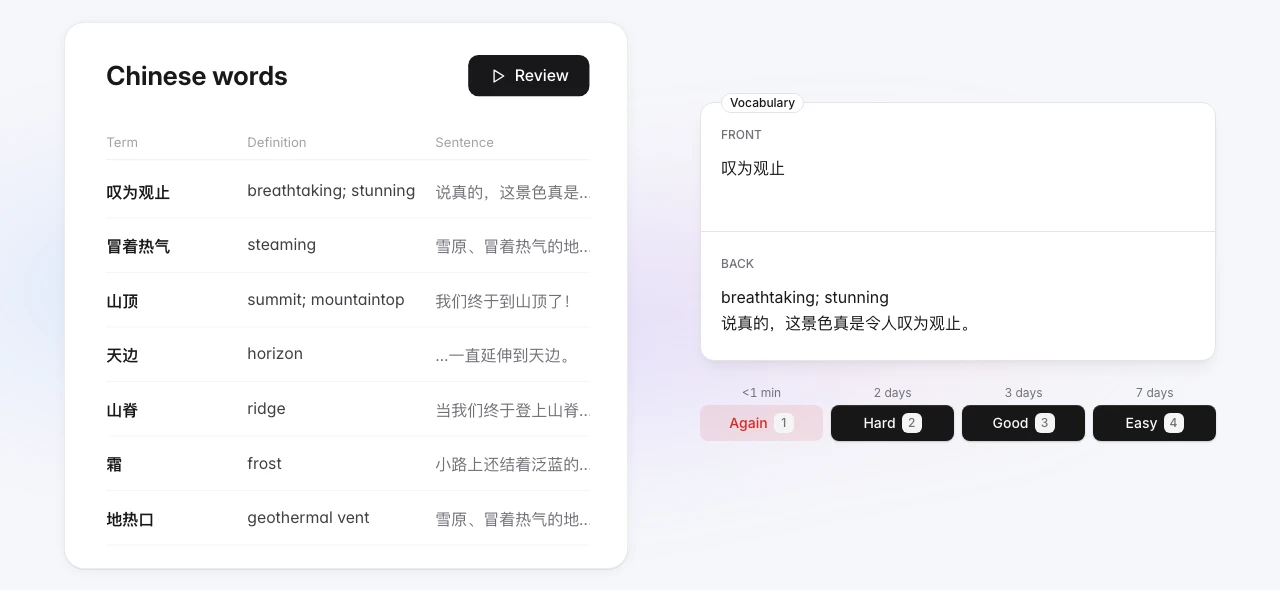
Saving and review need an account: notes, cards, and review history live in it, so you can pick up on another browser or device. Looking things up does not. Dictionary and Sentence Analysis run on Read Frog's built-in AI by default, which gives you a small daily allowance without an account and a larger one once you sign in; you can also switch them to your own provider key.
You can also point an AI assistant at your own notes over MCP. For the whole path, step by step, see How Learning Works.
Start here
Install the extension and add a provider. Google Translate and Microsoft Translator work immediately with no key.
Read Page Translation for the everyday controls — bilingual or translation-only, what counts as page content, and the keyboard shortcut.
Add whatever else you actually need: Video Subtitles for YouTube, Netflix, and X, a Glossary for terms a model keeps getting wrong, or Custom Prompts if you want to change how translations read.
Ready to learn: sign in at readfrog.app, select a new word in an article or a subtitle, click Dictionary, then Save to Notebase. Once you have a few, open the notebase and click Review. See How Learning Works.
Open source and community
Read Frog is open source. Bug reports, site rules, and pull requests are all welcome.
Join the Discord for help and discussion, or see Contributing to work on the extension itself.